If you run a shop counter, a kirana store, a pharmacy, or any business where a customer pays and walks out with their goods in the same minute, a full A4 tax invoice has always felt like overkill. Invoiso was built around the GST-compliant tax invoice from day one, and that's still the right document for B2B sales, credit sales, and anything that needs to hold up in your books as a formal tax document. But retail counter sales are a different shape of transaction — fast, cash-or-UPI, paid on the spot, and usually printed on a narrow paper roll rather than an A4 sheet. In v4.3.3, released in July 2026, Invoiso added a document type built specifically for that: the Receipt. Alongside it came the other half of the story — USB thermal printer support, so a receipt doesn't have to be squeezed onto A4 paper to reach the customer's hand.
Why a separate Receipt document type
Before this release, Invoiso had two document types: Invoice and Quotation. An Invoice is the formal tax document — GST fields, invoice numbering rules, the works. A Quotation is a pre-sale estimate that hasn't been billed yet. Neither of these is quite right for a walk-in customer buying a bag of groceries or a printer cartridge and paying immediately. Using a full tax invoice for every such sale means generating and storing a formal GST document for transactions that may not need one, and it means printing something sized for a filing cabinet when what you actually want is a slip that fits in a customer's palm.
The Receipt document type sits alongside Invoice and Quotation as a third option when you create a new transaction in Invoiso. It's a lightweight record of a paid-on-the-spot sale — the kind of thing a supermarket till or a café counter prints out in a few seconds. Because it's a distinct document type rather than a reformatted invoice, it doesn't get mixed into your invoice numbering sequence or your formal GST invoice records; it's tracked as its own kind of transaction inside the app.
This matters most for businesses that run a genuine retail counter alongside other kinds of sales. A hardware store might issue formal tax invoices to contractors buying on account, quotations to customers asking "how much would this job cost," and receipts to the walk-in customer buying a tin of paint. Having all three document types available in the same app, on the same product and customer data, means you're not switching tools or exporting data between systems depending on which kind of sale just happened.
What actually changed: printing, not just paperwork
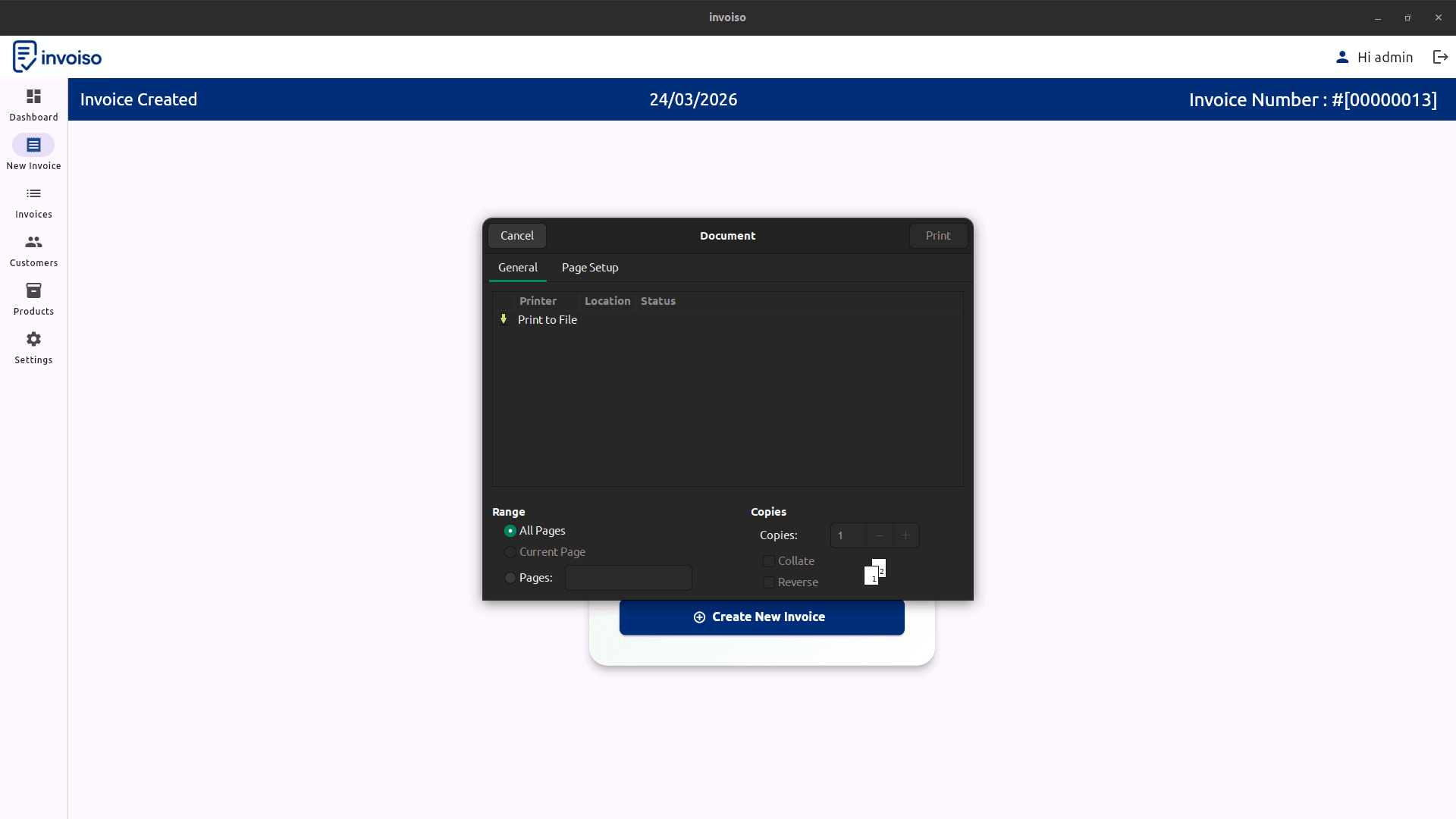
A new document type on its own wouldn't solve much if you still had to print it on A4 and trim it down. The bigger practical change in this release is thermal printer support. Invoiso can now print directly to a standard USB thermal receipt printer — the compact printers you see at retail counters, cafés, and small shops that produce a narrow paper strip almost instantly, with no ink cartridge to replace. Previously, every document coming out of Invoiso — invoice, quotation, or otherwise — was built around A4/PDF output. That's fine for a formal invoice you're emailing or filing, but it's the wrong shape entirely for a counter that needs to hand over a slip of paper in the two or three seconds it takes to bag an item.
With thermal printer support in place, printing a receipt from Invoiso now works the way a point-of-sale system's receipt printing does elsewhere: you finalize the sale, choose print, and the narrow paper receipt comes out of the connected thermal printer at the counter, ready to hand to the customer. Because the app is still offline-first, this works entirely on your own machine — there's no cloud service in the loop, no data leaving your computer to reach the printer, and nothing to configure beyond having the printer connected over USB the way you'd connect any other USB printer to a Windows, Linux, or macOS machine.
Two receipt layouts: table vs detailed
Not every business wants the same amount of detail on a receipt. Invoiso ships two receipt layouts to cover that:
- Table layout — a compact, row-based layout listing items, quantities, and line totals in a simple table, closer to what you'd expect from a supermarket till receipt.
- Detailed layout — a fuller layout with more line-item information per product, useful when customers or your own records benefit from more context per sale (unit descriptions, per-item breakdowns, and similar detail).
Both layouts are available whether you're printing to a physical thermal printer or generating a PDF. You choose the layout that fits how your business actually operates — a fast-moving retail counter will usually prefer the table layout for speed and paper economy, while a business that wants a more descriptive record per transaction might lean toward the detailed layout.
You don't need a thermal printer to use the new layout
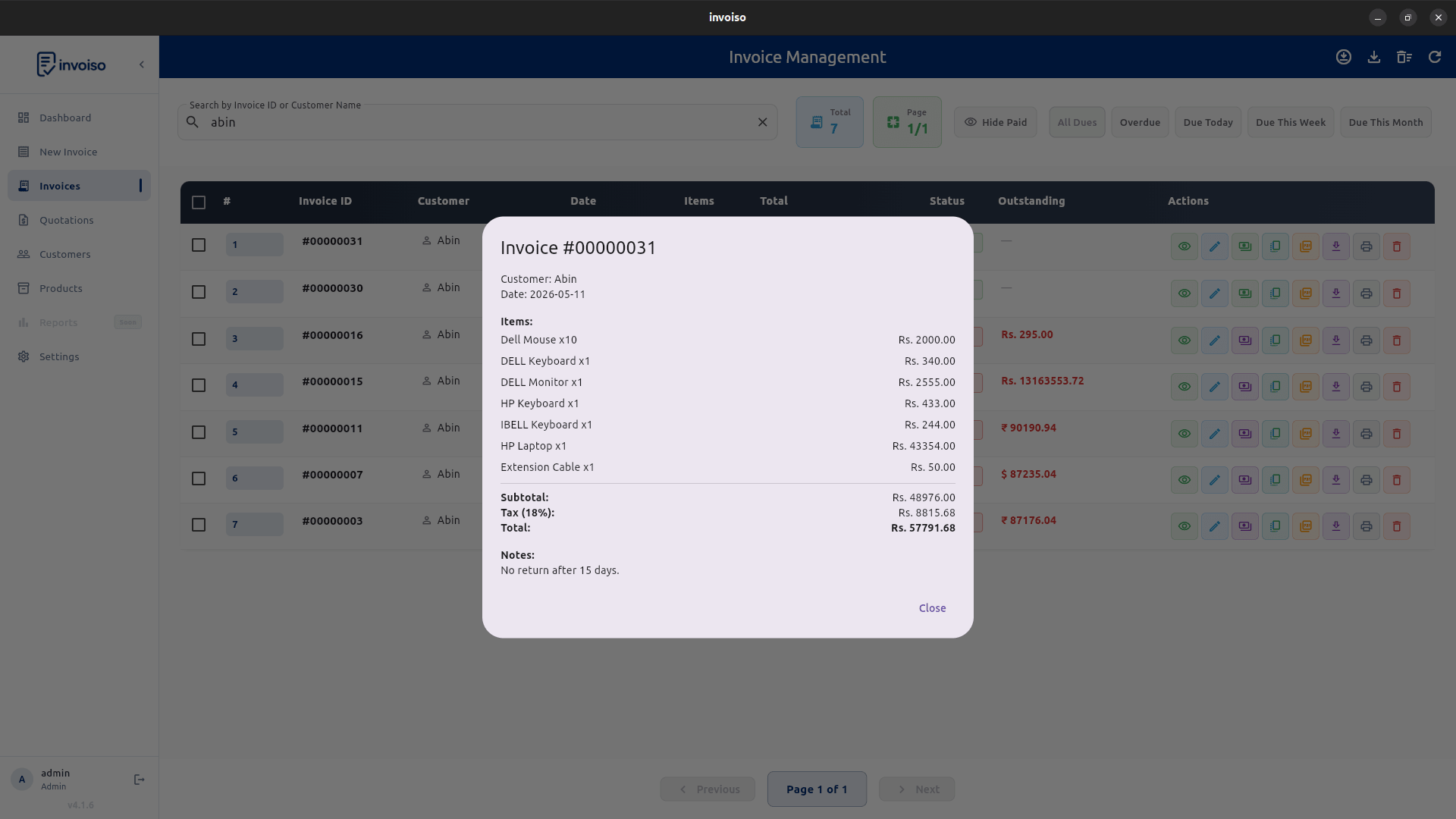
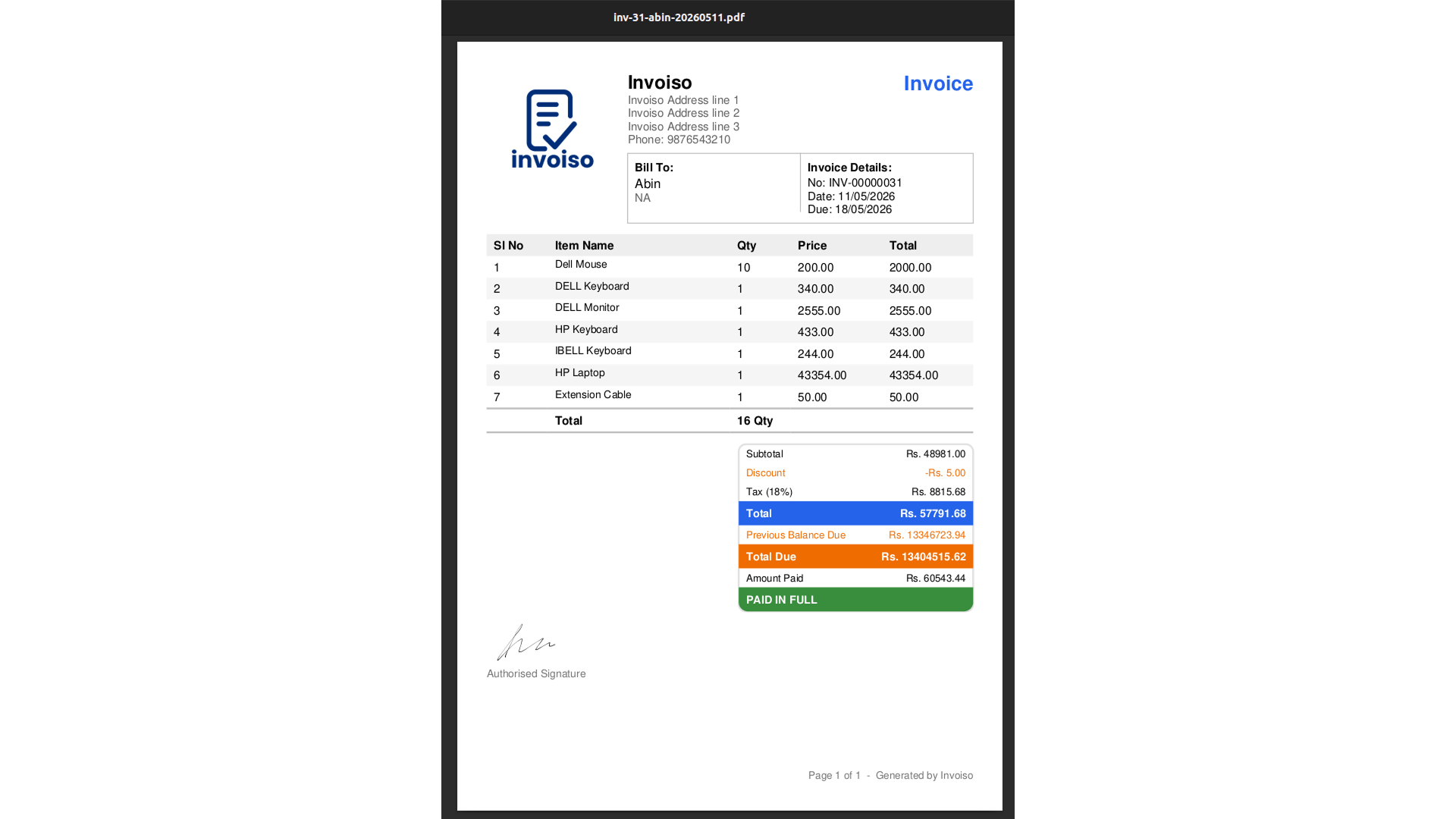
One detail worth calling out because it's easy to miss: the thermal-style receipt layout isn't locked to physical thermal printer hardware. It's also available in Invoiso's regular PDF preview. That means you can select the thermal-style layout, preview it, and generate a normal PDF from it — without ever having a thermal printer plugged in. This is useful in a couple of situations. If you're testing out the new Receipt document type before deciding whether to buy a thermal printer, you can see exactly how the layout will look. And if you want to email a customer a receipt-style document rather than a full-page invoice — say, for an online order that still feels more like a "receipt" transaction than a formal invoice — you can generate that thermal-style PDF and send it, no hardware required.
Walkthrough: printing your first receipt
The flow for creating and printing a receipt follows the same basic shape as creating any document in Invoiso:
- Start a new transaction and choose Receipt as the document type, instead of Invoice or Quotation.
- Add the customer (or leave it as a walk-in sale, depending on how you track counter customers) and add the products or services being sold, the same way you would for an invoice.
- Pick the receipt layout — table or detailed — based on how much detail you want printed.
- Choose your output: print directly to a connected USB thermal printer for an immediate paper slip, or generate a PDF using the same thermal-style layout if you want a digital copy or don't have a thermal printer connected.
- Hand over the printed slip, or send the PDF, and the sale is recorded in Invoiso as a Receipt — kept separate from your formal tax invoices and quotations.
Because Receipt is a first-class document type rather than a workaround, it shows up in your records as exactly what it is, which keeps your invoice numbering and formal GST paperwork clean and limited to transactions that actually need it.
How this fits with the A6 Compact layout
If you've used Invoiso for a while, you may already be familiar with the A6 Compact PDF layout, which has been available in PDF settings for some time. It automatically scales fonts and margins down so an invoice prints reasonably on smaller A6 paper — a useful option if you wanted a smaller printed document before thermal printer support existed. The A6 Compact layout is still there, and it's still a good option if your printing setup is a regular printer loaded with smaller paper, or if you simply prefer a compact A6 invoice over full A4.
Thermal printer support is a different, more specialized answer to a similar underlying need. Where A6 Compact scales an existing invoice layout down to fit smaller paper on a normal printer, the new Receipt document type combined with thermal printer support is purpose-built for the narrow paper roll and instant-print behavior of dedicated thermal hardware. If your business already runs a thermal printer at the counter — or is considering buying one specifically for faster checkout — the new Receipt flow is the more direct fit. If you're sticking with a standard printer and just want a smaller invoice footprint, A6 Compact remains the simpler option.
What else shipped alongside this in v4.3.3
Thermal printer support and receipts were the headline of this release, but a few related changes landed in the same version and are worth knowing about if you're upgrading:
- A new Grid Classic PDF template — a bordered, old-style bill look, adaptive across A4, A5, and A6 paper sizes.
- Product units (kg, pcs, box, dozen, and similar) and product purchase price (cost price) tracking, so products can carry more useful metadata than before.
- Multi-currency support for businesses that bill outside a single currency.
- New dashboard layouts — Classic, Bento, Simple Feed, and Default — giving you a choice of how your dashboard is arranged.
None of these directly change how receipts or thermal printing work, but they land in the same v4.3.3 update, so if you're updating Invoiso to get thermal printer support, you'll see these show up too.
Who this is for
If every sale you make is a formal, invoiced, often credit-based B2B transaction, this release probably won't change your day-to-day much — your workflow is still Invoice, same as before. But if any part of your business involves a counter, a till, or paid-on-the-spot sales — a retail shop, a pharmacy, a café, a service counter that also sells small items — the Receipt document type plus thermal printer support closes a real gap. You get a document shaped for the transaction it's actually recording, printed on the hardware built for that job, without having to reach for a separate point-of-sale system just to handle receipts. And because it's still the same offline-first Invoiso, your receipt data lives in the same place as your invoices, quotations, customers, and products — no second system to reconcile against.
Getting started
If you're already running Invoiso, updating to v4.3.3 or later brings the Receipt document type and thermal printer support in automatically — there's nothing to migrate, since it's an additional document type rather than a change to how invoices or quotations work. Connect your USB thermal printer the way you would with any other application, choose Receipt when starting a new transaction, pick your layout, and print. If you don't have a thermal printer yet but want to see how it looks, generate a PDF from the thermal-style layout first — no hardware purchase required to try it out.
Start billing faster at the counter today with Invoiso's free GST billing software or download the desktop app.