An invoice number looks like a small detail until a GST return, an audit, or a customer dispute needs to trace one exact transaction. A clean numbering system makes that trivial; a messy one turns into hours of cross-checking spreadsheets. Here is what the rules actually require, where businesses go wrong, and how Invoiso keeps numbering correct without manual tracking.
GST invoice numbering rules
Under Indian GST law, a tax invoice must carry a consecutive serial number that is unique for the financial year. Numbers cannot repeat and cannot skip within a series — if invoice 42 exists, invoice 43 has to follow it, not 45. The number can be alphanumeric and may include the hyphen (-) and slash (/) as special characters, but the whole thing is capped at 16 characters. A business can maintain more than one series at once — separate series per branch, per vertical, or per financial year are all allowed — as long as each individual series stays sequential and unique on its own.
A common working format is a short prefix, the financial year, and a zero-padded running number, for
example INV-2526-0001. That keeps the series human-readable, sorts correctly, and makes
the filing year obvious without opening the invoice.
Common invoice numbering mistakes
Most numbering problems come from doing it by hand. Typing numbers into a spreadsheet or a paper register invites the same failure modes every time: someone reuses a number after deleting a draft invoice, two people issue invoices at once and pick the same number, a number gets skipped because an invoice was cancelled and never logged, or the prefix changes mid-year without anyone documenting why. Each of these turns into a mismatch the moment a GST return or an audit asks for a clean, gapless sequence.
Exceeding the 16-character limit is another common slip — a prefix that includes a full branch name and date can easily run over, and the fix (shortening it later) breaks consistency with everything already issued. Deciding the format once, before the first invoice goes out, avoids that rework.
How Invoiso handles invoice numbering
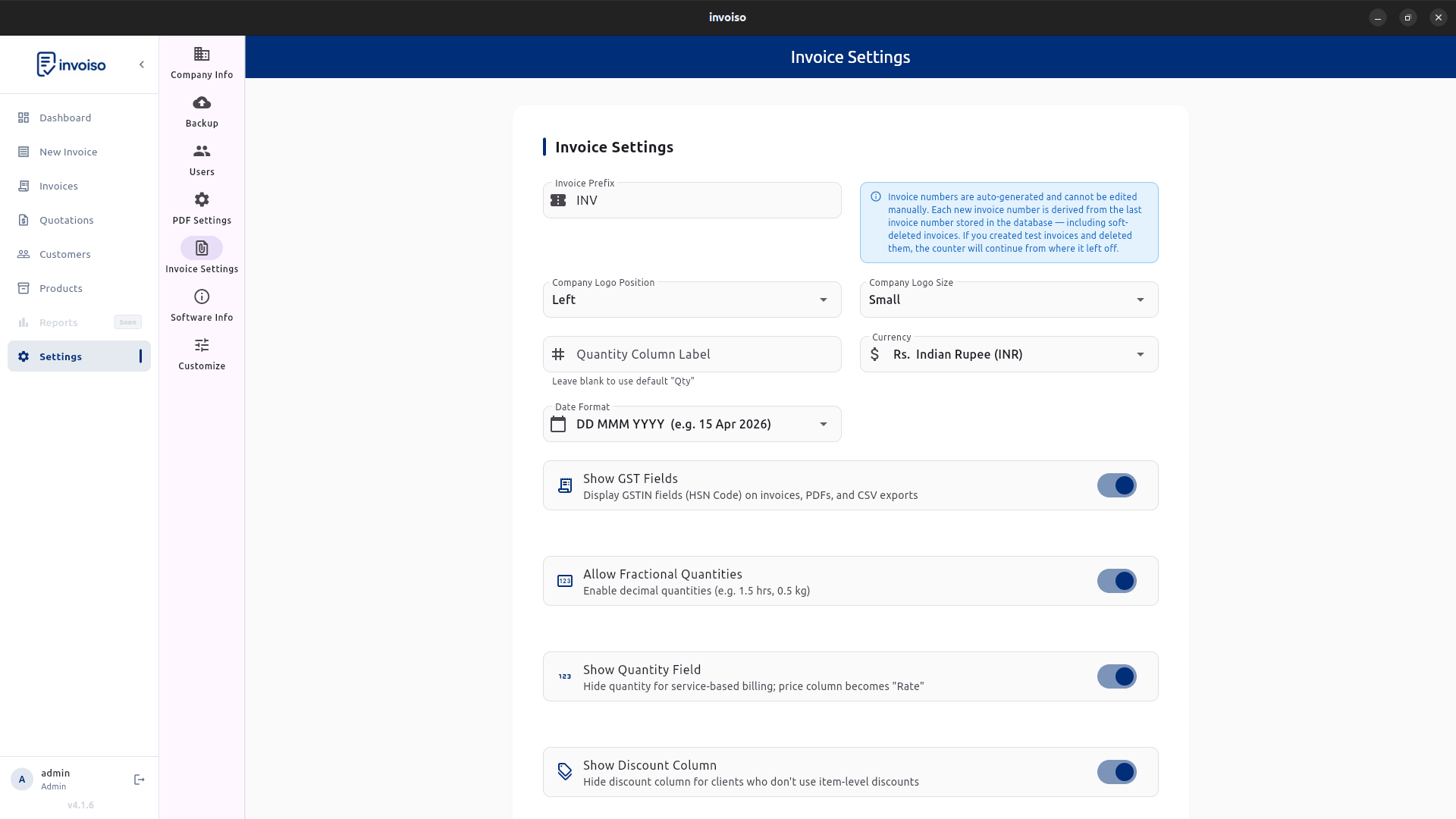
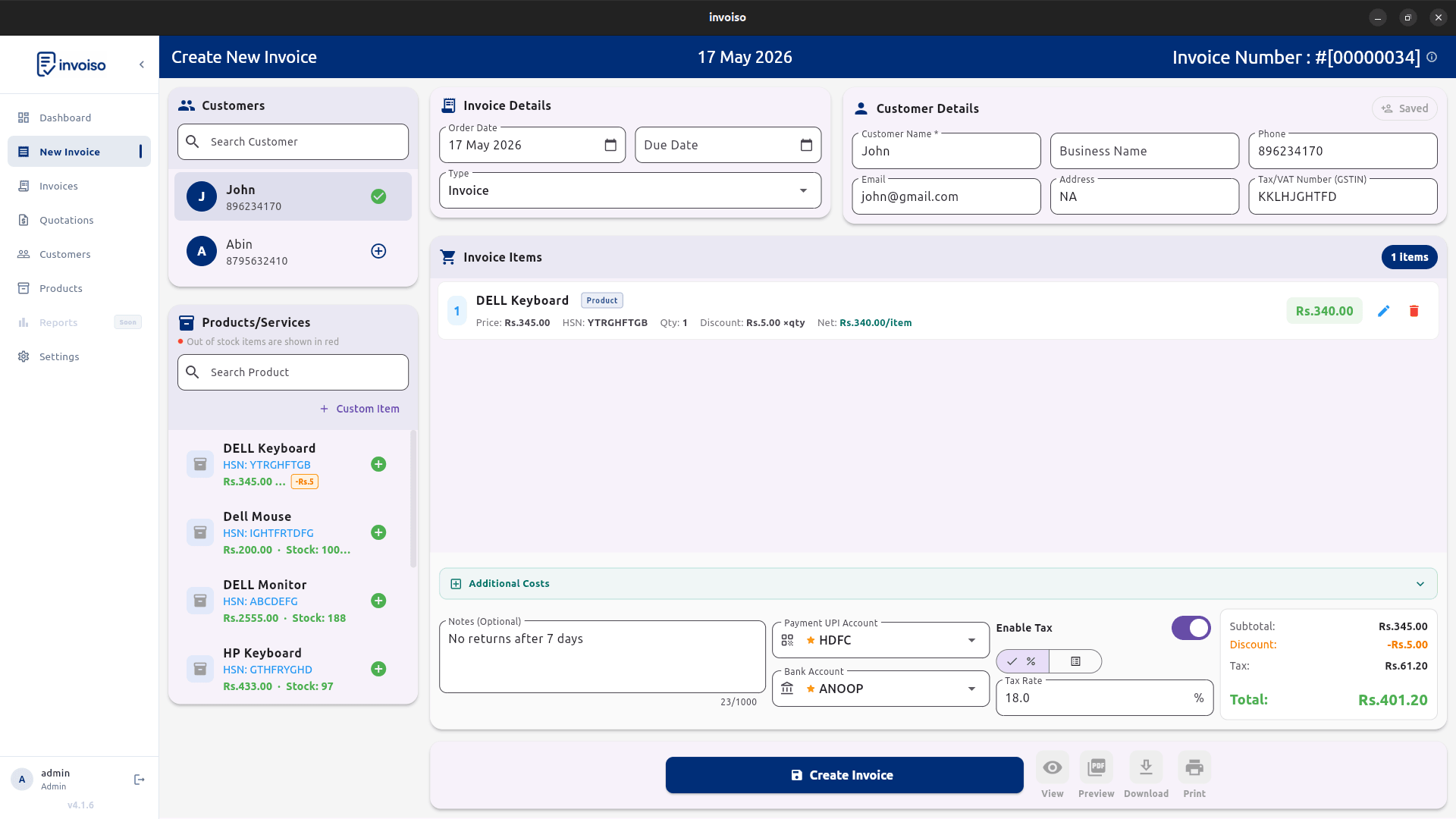
Invoiso auto-increments the invoice number for every new invoice, using a prefix you set once in
Invoice Settings. Because the app assigns the next number itself rather than relying on someone typing
it correctly, there is no risk of a skipped number, a duplicate, or two people colliding on the same
value — even across a busy day of billing. The prefix field is yours to configure, so you can encode a
financial year or branch code into it (for example switching from INV-2526- to
INV-2627- at the start of a new financial year) to start a fresh, clearly labelled
series.
Because the numbering lives in Invoiso's local database rather than a spreadsheet, the sequence stays consistent even if you create invoices out of order or go back to edit an existing one — the running count is tracked by the app, not by memory.
FAQ
Does a GST invoice number have to be sequential? Yes — no gaps, no repeats, within each series for the financial year.
Can an invoice number contain letters and symbols? Yes, alphanumeric characters plus hyphen and slash are allowed, up to 16 characters total.
Do I need to restart numbering every financial year? Not mandatory, but common practice — many businesses change the prefix at the start of each financial year to keep the series short and readable.
How does Invoiso generate invoice numbers? Automatically, from a prefix you set once in Invoice Settings — no manual entry or tracking required.
Invoiso auto-generates sequential invoice numbers with a configurable prefix, alongside GST fields and PDF export. See free GST billing software or download the desktop app.