Zoho Books shows up on a small business owner's radar for a simple reason: it's a full accounting suite with invoicing built in, and many businesses already run other Zoho apps. Invoiso shows up for the opposite reason — someone wants an invoice out the door in two minutes, without setting up a chart of accounts or paying a monthly fee to do it. The two solve overlapping but different problems, and the comparison matters most once you look past the feature list to what you'll actually use every week.
The main difference
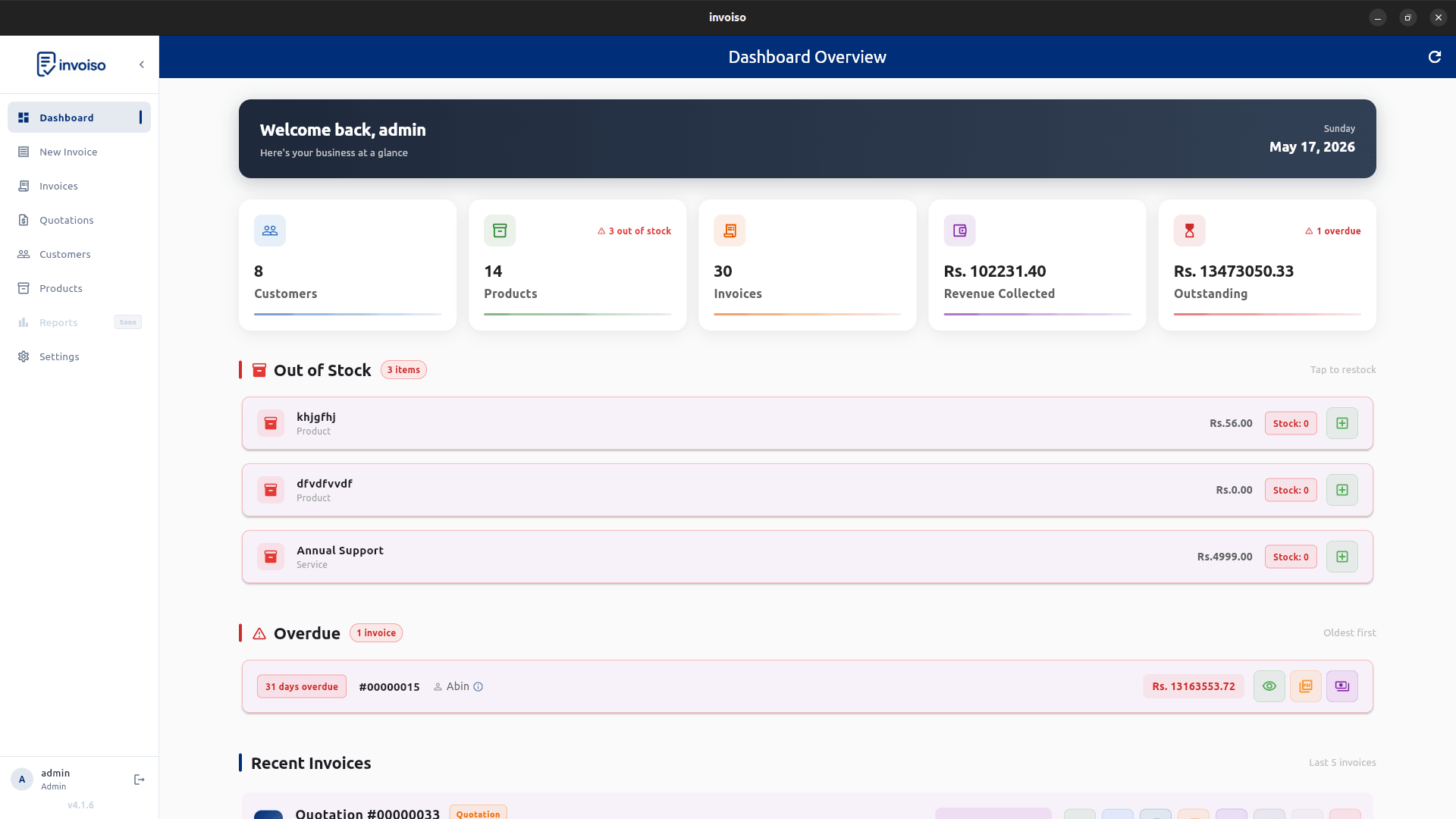
Zoho Books is cloud accounting software — invoicing, bank reconciliation, expense tracking, and financial reports live together, synced across devices, with your data stored on Zoho's servers. Invoiso is a desktop invoicing app — it creates GST-ready invoices, tracks payments, and stores everything locally on your machine, with no accounting ledger, bank feed, or recurring bill attached. If you need full double-entry bookkeeping alongside invoicing, that's Zoho Books' territory. If you need fast, offline invoice creation without an accounting layer, that's what Invoiso is built for.
A service business, two workflows
Picture a freelance consultant billing eight clients a month. On Zoho Books, that means logging into the web app or mobile app, raising an invoice against a client record already synced to the books, and having it reflect automatically in revenue reports the moment it's marked paid. On Invoiso, the same consultant opens the desktop app — no login, no internet required — picks the client, adds the line items, and exports a PDF. The Zoho Books workflow ties the invoice into a full accounting picture; the Invoiso workflow gets the invoice out fast and keeps billing separate from bookkeeping, which some businesses genuinely don't want combined.
The subscription-cost angle
Zoho Books runs on a recurring subscription across multiple plan tiers, typically billed monthly or annually per organization, with higher tiers unlocking more users, automation, and advanced reports. Zoho has historically offered a free plan for very small businesses under a revenue threshold, but growing past that threshold means moving to a paid tier — a cost that recurs every year the business operates. Invoiso has no tier structure to grow out of: it's free and open-source for every user, indefinitely, whether you send five invoices a month or five hundred. Confirm current Zoho Books pricing directly with Zoho before deciding, since plan pricing and thresholds change over time.
GST invoicing, side by side
Both apps cover core GST invoicing: GSTIN on the invoice, HSN/SAC codes per line item, and an automatic CGST/SGST/IGST split based on whether the sale is intra-state or interstate. Zoho Books adds GST return-adjacent conveniences — because it holds your full ledger, it can help feed data toward GST return prep. Invoiso stays narrower: it generates a compliant GST invoice PDF with UPI QR payment support, but it is not a GST filing or return-preparation tool, and doesn't try to be one. If your GST workflow depends on ledger-linked return prep, that's a real point in Zoho Books' favour; if you just need the invoice itself right, Invoiso covers that without the surrounding accounting weight.
Migration considerations
Moving off Zoho Books means exporting your customer list, product/service catalog, and historical invoices before you commit — Zoho Books typically supports CSV export for these. Recreate your invoice numbering sequence in Invoiso so there's no visible gap for customers or auditors, re-enter or import your customer and product records, and run both systems in parallel for a billing cycle before fully switching. Keep your exported Zoho Books data even after migrating; GST records generally need to be retained for several years regardless of which software originally generated them, and you lose the accounting-ledger history that Invoiso doesn't replicate.
Which one actually fits
Choose Zoho Books if you need bank reconciliation, multi-user accounting roles, financial statements, or you're already inside the Zoho ecosystem. Choose Invoiso if invoicing is the actual job — GST-ready PDFs, payment tracking, and offline reliability — without paying a subscription to get it, or without bringing in a full accounting system you won't otherwise use. Create one real invoice in each before deciding; the difference is more obvious in a live workflow than on a feature chart.
Invoiso creates GST-ready PDF invoices offline with payment tracking and UPI QR support, free with no subscription. See free Zoho Invoice alternative or download the desktop app.